MessageScroller
Overview
Section titled “Overview”MessageScroller is a lookless ItemsControl wrapping a ScrollViewer (PART_ScrollViewer) plus a
JumpToLatest button (PART_JumpToLatestButton). The web contract’s separate Provider, frame,
viewport, and content parts collapse into this one class, which is simultaneously the scroll frame,
the region, and the transcript log. A pure, WPF-free MessageScrollerEngine state machine, driven
by real ScrollChanged geometry and by classifying INotifyCollectionChanged adds by index,
implements live-edge follow, edge-threshold hysteresis, and prepend-safe offset preservation.
xmlns:scroller="clr-namespace:Navius.Wpf.Primitives.Controls.MessageScroller;assembly=Navius.Wpf.Primitives"
<scroller:NaviusMessageScroller x:Name="Transcript"                                 AutoScroll="True"                                 ItemsSource="{Binding Messages}"                                 AutomationProperties.Name="Messages" />
JumpToBottom() is callable from app code (e.g. after seeding the transcript) to open at the live
edge; with AutoScroll off, the view otherwise opens at the natural top.
Properties
Section titled “Properties”| Property | Type | Default | From | Description |
|---|---|---|---|---|
AutoScroll |
bool |
false |
NaviusMessageScroller |
Follow new content only while already at the live edge. Mirrors the web’s MessageScrollerProvider.AutoScroll. |
ScrollEdgeThreshold |
double |
8 |
NaviusMessageScroller |
Distance in DIPs from the bottom edge that still counts as being at it. |
IsFollowing |
bool (read-only) |
false |
NaviusMessageScroller |
True while the reader is at the live edge and new content pulls the view with it. |
NewMessageCount |
int (read-only) |
0 |
NaviusMessageScroller |
Messages appended while disengaged that the reader has not yet seen; drives the JumpToLatest badge. Reset to 0 on re-engage. Not present in the web contract (see Web deltas). |
Methods
Section titled “Methods”| Method | Description |
|---|---|
JumpToBottom() |
Programmatic jump-to-latest: the JumpToLatest button’s own action, exposed for app code too. The WPF analog of the web’s MessageScrollerContext.ScrollToEndAsync. |
Events
Section titled “Events”No CLR events on this control. State surfaces through the read-only IsFollowing and
NewMessageCount dependency properties instead of an event callback surface, since the web
contract itself declares no EventCallback<T> parameters for this family either (its parts
communicate through a cascaded context).
Keyboard interactions
Section titled “Keyboard interactions”No custom key handling exists, matching the web contract exactly (it has zero custom key handlers
for this family either). Arrow keys, Page Up/Down, Home, End, and Space scroll via the native
ScrollViewer’s own default keyboard behavior; its increments differ from a browser’s native
scrollable-div defaults, an accepted, non-regression delta. Enter/Space on the JumpToLatest button
use native ButtonBase activation.
UIA mechanism
Section titled “UIA mechanism”No custom automation peer: NaviusMessageScroller relies on the native ItemsControl automation
peer. AutomationProperties.LiveSetting = Polite is set on the control in its constructor,
mirroring the web’s role="log" aria-relevant="additions", as a fallback path for AT/OS
combinations that do not support the primary announcement mechanism: when messages arrive while the
reader is disengaged (not following), AnnounceNewMessages raises
AutomationPeer.RaiseNotificationEvent with “N new messages” text (the same pattern the Toast and
Sortable families use), requiring Windows 10 1709+ and a listening assistive technology. A still-
following reader does not get an announcement per row, avoiding the noise the web docs themselves
warn about. Consumers set AutomationProperties.Name directly on the control (mirroring the web
Viewport’s aria-label="Messages"); no custom peer wraps this. The unit suite
(tests/Navius.Wpf.Tests/MessageScrollerTests.cs, 47 test methods) exercises the engine’s follow/
disengage/re-engage transitions, edge-threshold hysteresis, prepend offset preservation via a
HandleScrollChanged seam that takes plain doubles (avoiding the internal ScrollChangedEventArgs
constructor), the constructor defaults, and the LiveSetting/notification wiring.
Web deltas
Section titled “Web deltas”- The web’s six parts (Provider/root/viewport/content/item/button) collapse into one
ItemsControl; there is no Provider/Context cascade because WPF’s dependency-property system covers the option-flow role and there is no cross-frame scroll-command surface to justify a separate headless root. - Item adds are classified purely by list index: an add at the current end is new content (counts
toward follow/
NewMessageCount); an add at index 0 with items already present is a history prepend (anchor preserved, never counted as new). Removes, replaces, moves, and adds at any other index fall back to a plain geometry re-sync, since the web contract has no anchor-preservation rule for those cases either. - Prepend preservation uses an extent-delta model (shifts the offset by exactly the extent growth) instead of the web engine’s captured-reference-row model; equivalent when prepended rows are inserted strictly above the viewport, the only classified case.
- Reader intent is inferred purely from unclassified, non-engine-initiated
ScrollChangedevents (an internal reentrancy flag distinguishes the control’s ownScrollToVerticalOffsetcalls), rather than from wheel/touch/key/pointerdown listeners: WPF has no need to distinguish input modality, only whether a given scroll was the engine’s own. - Not ported: anchored-turn positioning (
ScrollAnchor,ScrollPreviousItemPeek, the trailing spacer),DefaultScrollPosition,ScrollMargin,ScrollToMessageAsyncand the start-direction button, and intersection-observer-based visibility tracking (CurrentAnchorId/VisibleMessageIds). These are chat-app affordances with no consumer in this repo yet. NewMessageCountis new in this port, not in the web contract: the web’s scroll button is purely edge-driven (active only while more content exists in that direction) and count-free, whereas the WPF button doubles as the new-message notifier.- The JumpToLatest button is
Collapsed(not merely inert) while there is nothing to jump to. The web button stays visible but inert (tabindex="-1"plus HTMLinert) in that state; WPF has noinertequivalent, and per APG a control that cannot do anything should not be in the accessibility tree at all, so full collapse was chosen as the more honest native mapping. - No ARIA role is applied to rows on the web side, and the WPF
ItemsControl’s default container likewise surfaces no interactive control type, keeping the accessibility contract equivalently minimal on both sides.
Captures
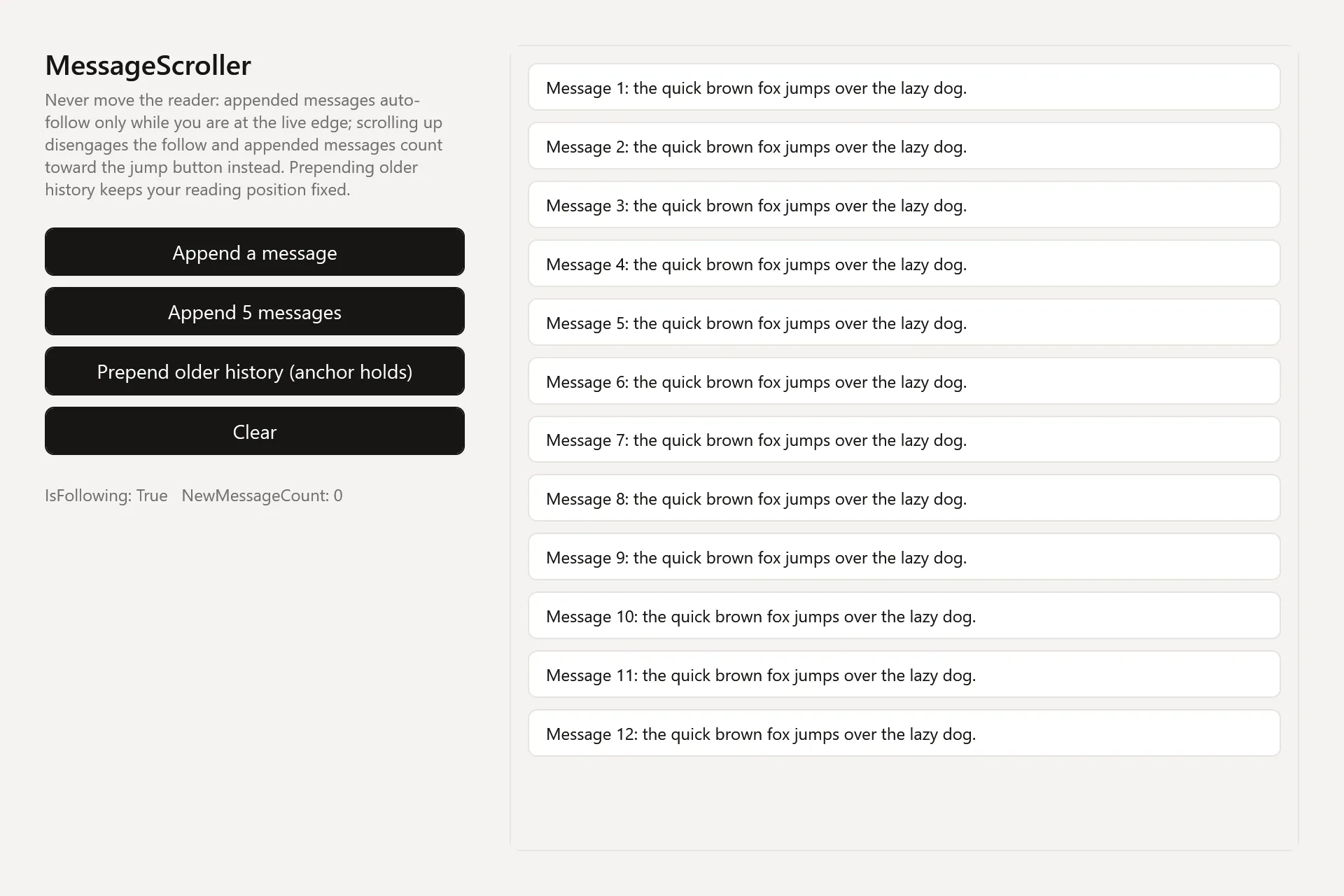
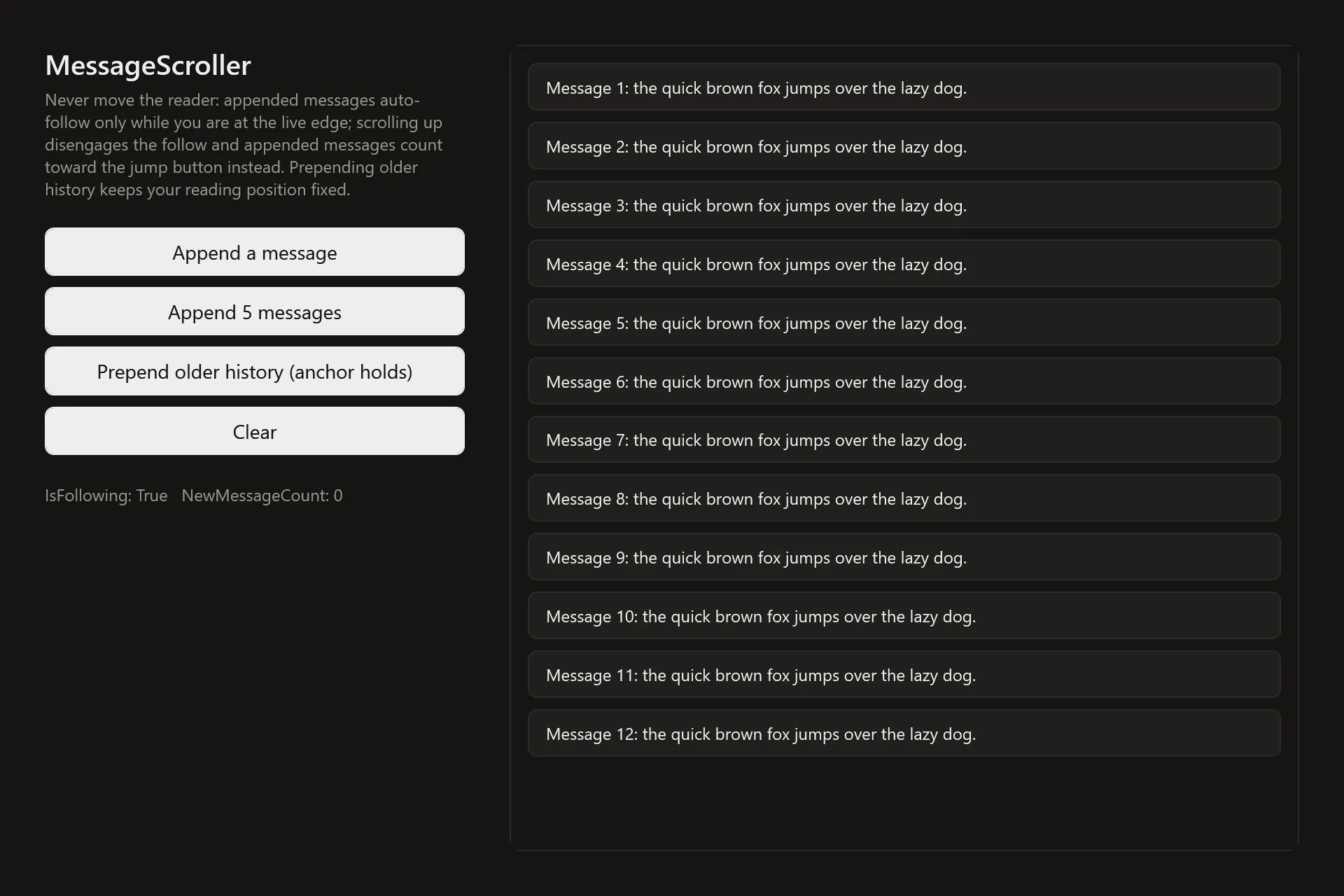
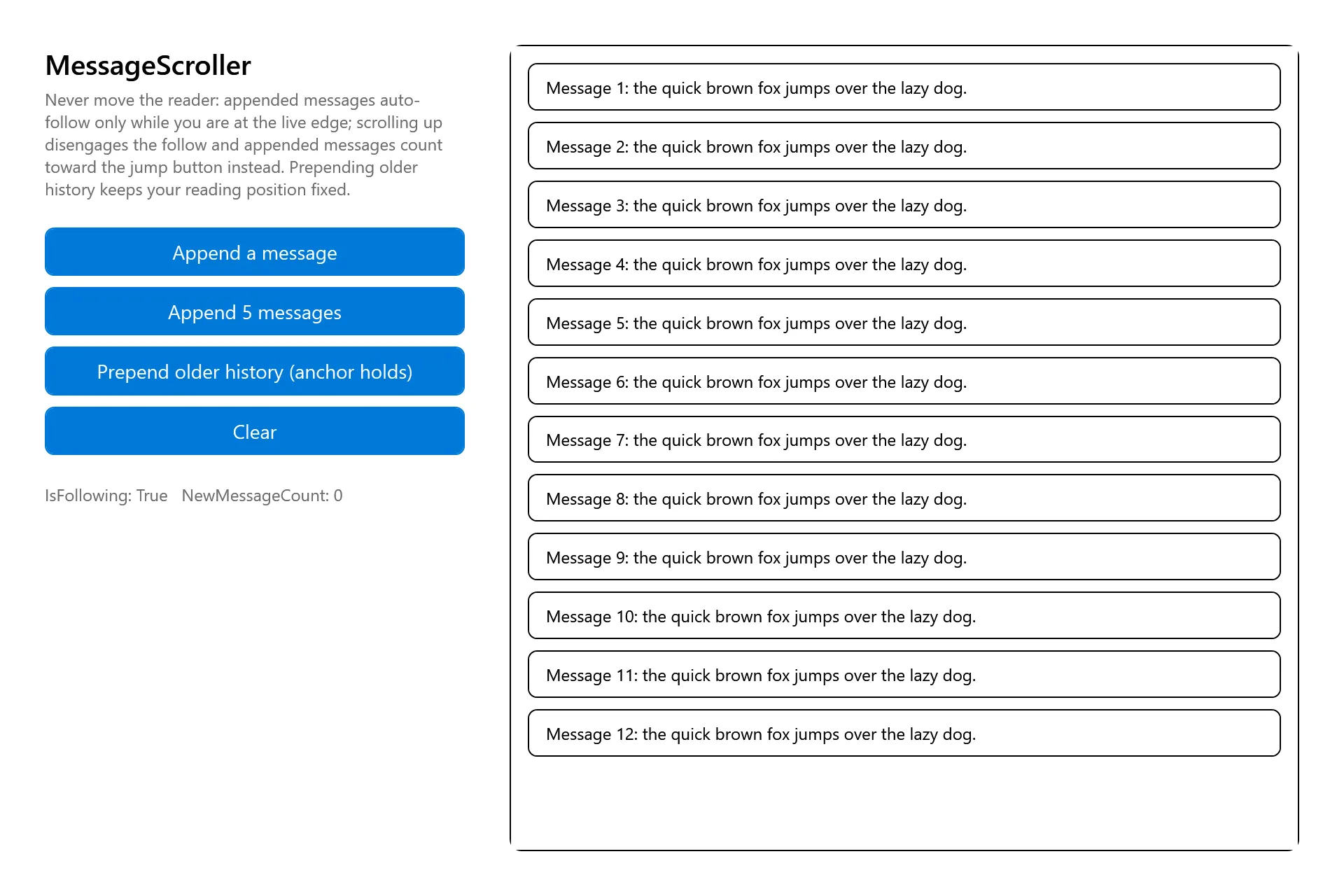
Section titled “Captures”The MessageScroller Gallery page rendered at the pinned commit, in each theme.