CurrencyInput
Overview
Section titled “Overview”CurrencyInput derives directly from TextBox: a single-line formatted text field with no
popup or composite-widget behavior, so there is no lookless multi-part template. Its internal
truth is a decimal?, never a string; every edit reformats the display through the pure
CurrencyEngine (grouping, decimal separator, currency symbol from NumberFormatInfo) and
re-lands the caret by counting digits rather than raw character offset, so typing mid-string
never jumps the cursor after regrouping. On blur, the value is clamped to Minimum/Maximum
and the fraction is padded to MinFractionDigits.
xmlns:currency="clr-namespace:Navius.Wpf.Primitives.Controls.CurrencyInput;assembly=Navius.Wpf.Primitives"
<currency:NaviusCurrencyInput Value="{Binding Price, Mode=TwoWay}"                              Currency="USD"                              Minimum="0"                              AllowNegative="False" />
Properties
Section titled “Properties”| Property | Type | Default | From | Description |
|---|---|---|---|---|
Value |
decimal? |
null |
NaviusCurrencyInput |
Controlled value (the decimal truth; never a string). Two-way bindable by default. |
DefaultValue |
decimal? |
null |
NaviusCurrencyInput |
Uncontrolled initial value, applied once on Loaded and only when no Value is set. |
Culture |
CultureInfo? |
null |
NaviusCurrencyInput |
Drives symbol, grouping, and decimals. Defaults to CultureInfo.CurrentCulture when unset. |
Currency |
string? |
null |
NaviusCurrencyInput |
ISO 4217 code; overrides the culture’s default currency symbol via CurrencyEngine.SymbolFor. |
MinFractionDigits |
int? |
null |
NaviusCurrencyInput |
Defaults to the culture’s currency decimal digits; used for blur padding. |
MaxFractionDigits |
int? |
null |
NaviusCurrencyInput |
Defaults to the culture’s currency decimal digits; caps digits typeable in the fraction. |
AllowNegative |
bool |
false |
NaviusCurrencyInput |
Enables recognizing and typing the culture’s negative sign. |
Minimum |
decimal? |
null |
NaviusCurrencyInput |
Clamped on blur (the web contract’s Min). |
Maximum |
decimal? |
null |
NaviusCurrencyInput |
Clamped on blur (the web contract’s Max). |
ShowSymbol |
bool |
true |
NaviusCurrencyInput |
Whether the currency symbol renders in the displayed value. |
Invalid |
bool |
false |
NaviusCurrencyInput |
Presentational only (a skin hook, consumed by a template trigger for a destructive border). No validation logic lives here. |
IsNegative |
bool |
false |
NaviusCurrencyInput |
Read-only. True when the current value is negative (the web contract’s data-negative skin hook). |
Disabled is not a separate DP; the control uses standard WPF IsEnabled.
Methods
Section titled “Methods”| Method | Description |
|---|---|
ResolveFormat() |
Returns the resolved NumberFormatInfo: the culture’s currency format, with the symbol overridden by Currency when set. |
CommitValue() |
The blur commit: clamps Value to [Minimum, Maximum], pads the fraction to MinFractionDigits, and regroups the display. Also runs once on Loaded. |
Events
Section titled “Events”| Event | Signature | Fires when |
|---|---|---|
ValueChanged |
RoutedPropertyChangedEventHandler<decimal?> (bubbling RoutedEvent) |
Value changes, both on each live parse while typing and on a blur clamp that changes the value, mirroring the web contract’s dual firing. |
Keyboard interactions
Section titled “Keyboard interactions”No PreviewKeyDown/KeyDown handler exists anywhere in this family, matching the web contract:
digit filtering and reformatting happen reactively after the fact in OnTextChanged, not by
intercepting specific keys, and the control relies entirely on native TextBox text-editing and
caret movement. The caret anchor is the selection end, collapsed (matching the web bridge’s
implicit single-cursor dom.SelectionEnd assumption), so typing over a highlighted range behaves
like a native replace-selection followed by one reformat.
UIA mechanism
Section titled “UIA mechanism”NaviusCurrencyInput adds no custom AutomationPeer: as a direct TextBox subclass, it inherits
the stock TextBoxAutomationPeer (AutomationControlType.Edit, ValuePattern), matching the web
source’s bare native input with no custom ARIA. The unit suite pins the caret-stability algorithm
(CountDigitsBefore/CaretForDigits, digit-count anchoring) at both the engine level and a
control-level regrouping test (inserting a digit mid-string regroups $1,234 to $12,934 with
the caret landing after the typed digit, not on the moved comma), plus the blur-clamp and
fraction-padding behavior of CommitValue.
Web deltas
Section titled “Web deltas”- The web’s async
MaskedSelectionJS bridge (atomic read of value + caret, write-back inOnAfterRenderAsync) collapses into one synchronousOnTextChangedhandler plus anOnLostFocusoverride for the blur commit, since WPF’sTextBox.Text/CaretIndex/Selectare synchronous and need no two-phase round trip. - Two documented ICU/
Intl.NumberFormatsimplifications are preserved deliberately for behavioral parity with the web version, not “fixed”: grouping stays fixed at three digits (NumberFormatInfo.CurrencyGroupSizesis not walked), and negative values render asNegativeSign + positiverather than the culture’s parenthesizedCurrencyNegativePatternforms. Both deviations are pinned by engine tests. Min/Maxon the web map toMinimum/Maximumin WPF (the same range-control convention established by NumberField).data-negativemaps to the read-onlyIsNegativeDP (a skin hook, deliberately left untinted in the one-ink theme);data-emptyis derivable fromValue is nullrather than a separate DP.inputmode="decimal"(a mobile/virtual-keyboard hint on the web) has no WPF analog (no virtual keyboard hint API) and is dropped.Invalidstays a simple presentational bool consumed by a template trigger, matching the web component exactly; it is not wired to WPF’sValidation.HasError/ErrorTemplateinfrastructure.- M6 audit re-verified the caret-stability algorithm, both ICU simplifications, the
selection-end-is-the-caret-anchor semantics, and the blur-clamp/fraction-padding behavior
line-for-line against the code and
CurrencyInputTests.cs, finding no confirmed or plausible disparities for this family.
Captures
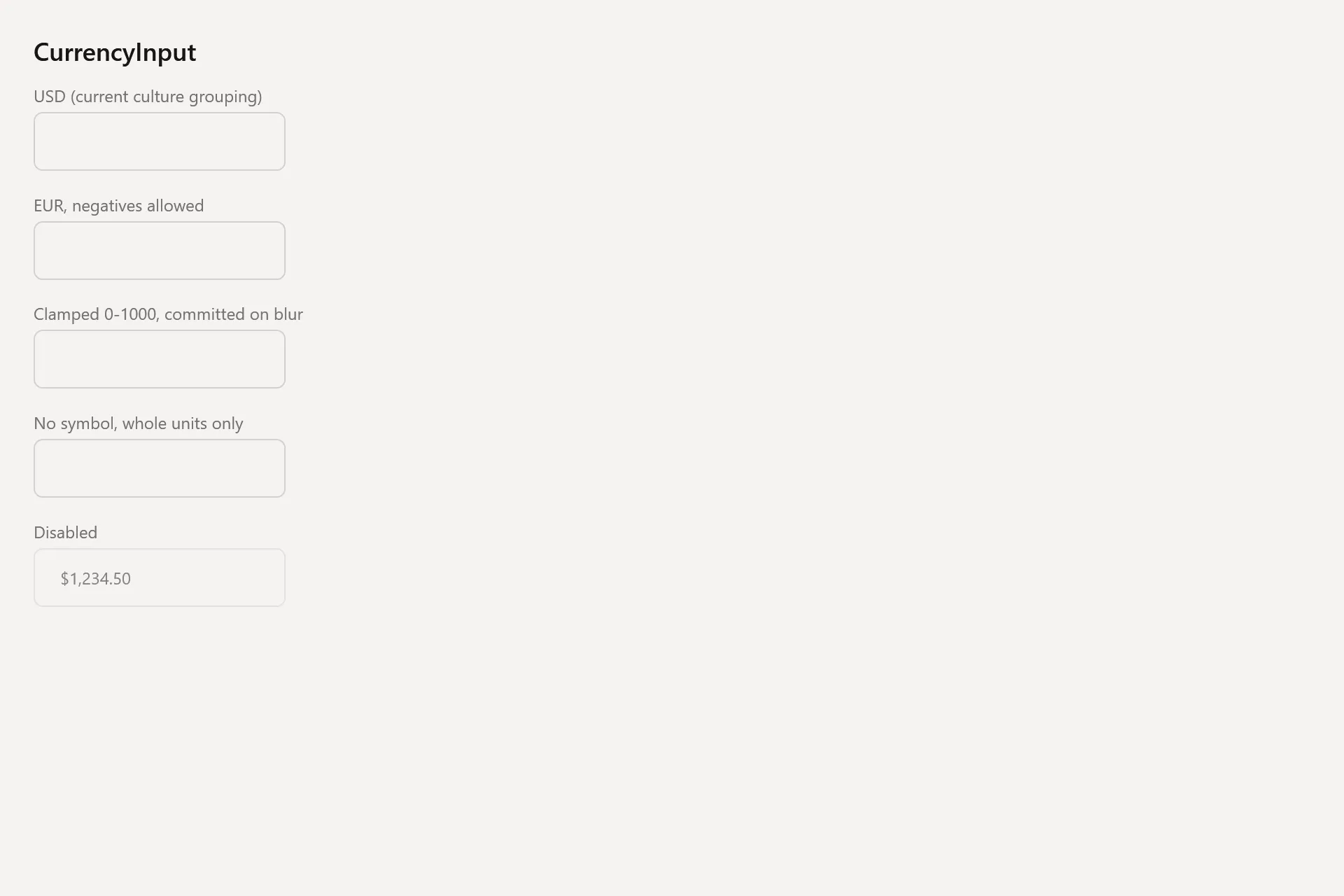
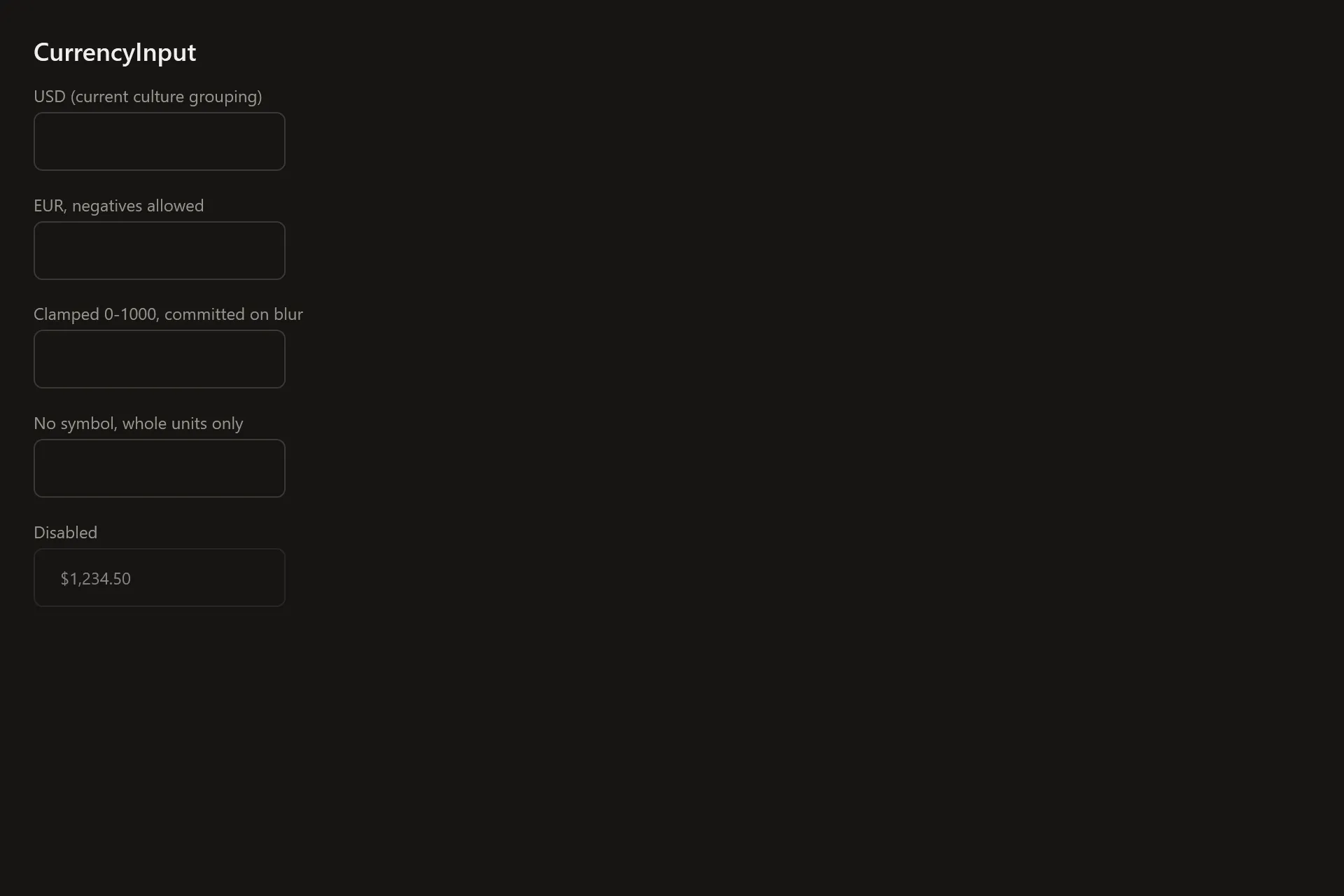
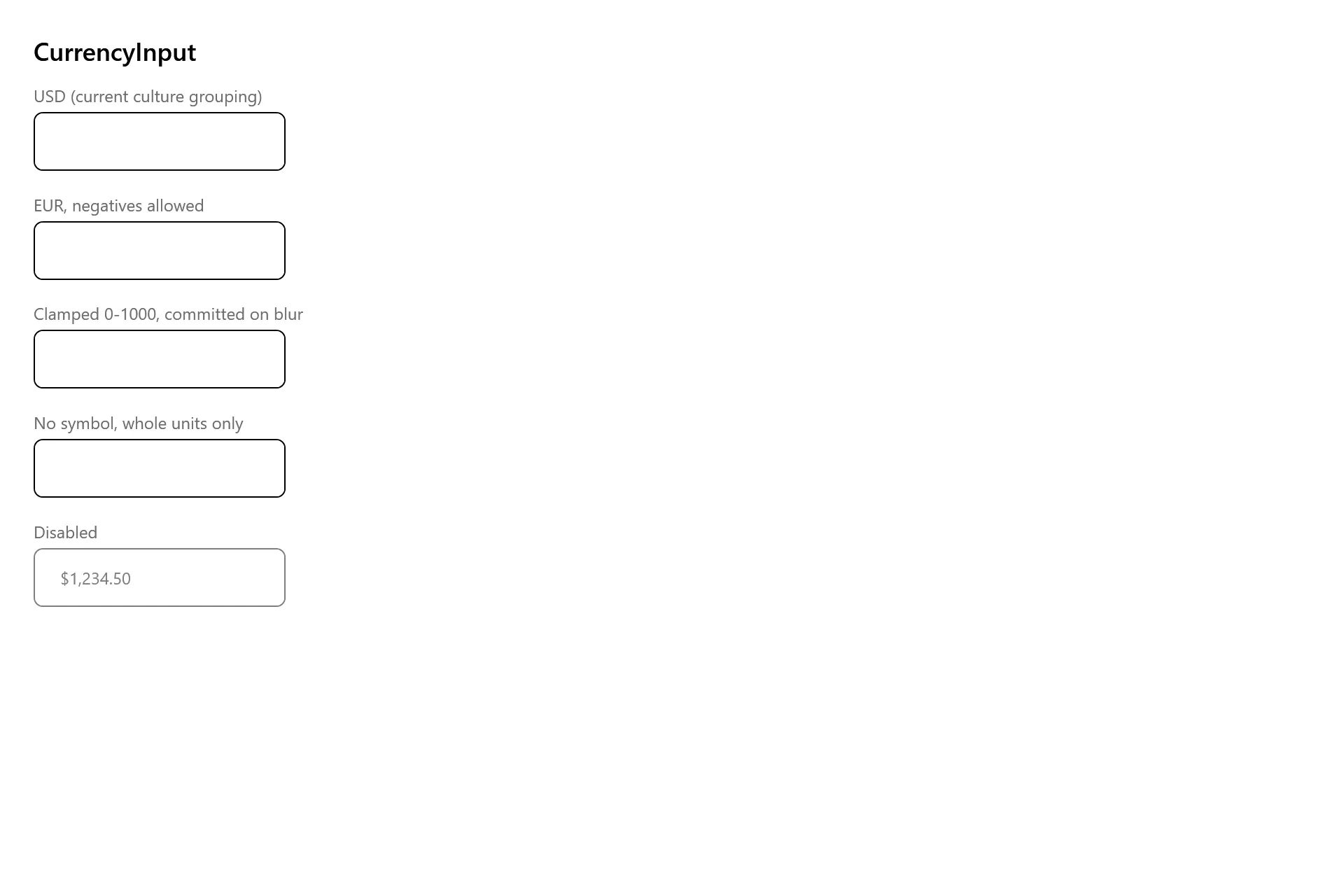
Section titled “Captures”The CurrencyInput Gallery page rendered at the pinned commit, in each theme.