FileUpload
Overview
Section titled “Overview”FileUpload folds the web contract’s ten parts into one lookless Control with four template parts:
PART_Dropzone (a real ButtonBase, so role="button" focus/Enter/Space activation comes free),
PART_Browse, PART_List (an ItemsControl over FileEntry rows), and PART_Clear. The web’s
“hidden native <input type=file> is the a11y and form source of truth” architecture has no WPF
analog and is not ported: the OS dialog sits behind an injectable IFilePicker seam (defaulting to
Microsoft.Win32.OpenFileDialog), and drag/drop uses native AllowDrop/Drop over
DataFormats.FileDrop instead of a JS relay. Validation (accept, size, count, duplicate, replace
semantics) is a pure engine run identically for dialog and drop selections.
xmlns:fileupload="clr-namespace:Navius.Wpf.Primitives.Controls.FileUpload;assembly=Navius.Wpf.Primitives"
<fileupload:NaviusFileUpload x:Name="Upload"                              Multiple="True"                              Accept=".png,.jpg,image/*"                              MaxSize="5242880"                              Files="{Binding SelectedFiles, Mode=TwoWay}" />
Properties
Section titled “Properties”| Property | Type | Default | From | Description |
|---|---|---|---|---|
Files |
IReadOnlyList<FileEntry>? |
null |
NaviusFileUpload |
The selected files. Two-way bindable by default (BindsTwoWayByDefault). |
Accept |
string? |
null |
NaviusFileUpload |
Comma-separated extensions/MIME entries. Feeds both the dialog filter and a post-hoc match run on every selection. |
Multiple |
bool |
false |
NaviusFileUpload |
Allows more than one file; also gates MaxFiles enforcement. When false, a new accepted selection replaces the current file, but only if something was accepted (an all-rejected selection leaves the existing file in place). |
MaxFiles |
int? |
null |
NaviusFileUpload |
Cap on total file count; enforced only when Multiple is true. A non-multiple upload is implicitly capped at one via the replace rule instead. |
MaxSize |
long |
0 |
NaviusFileUpload |
Per-file byte ceiling (0 = unlimited). No aggregate/total-size cap exists. |
DropzoneText |
string |
"Drop files here or press Enter to browse" |
NaviusFileUpload |
The dropzone’s visible text and accessible name (the web contract’s AriaLabel default). |
FilePicker |
IFilePicker (CLR property, not a DP) |
new OpenFileDialogPicker() |
NaviusFileUpload |
The OS dialog seam; tests inject a stub so no real dialog opens headless. |
Invalid |
bool (read-only) |
false |
NaviusFileUpload |
True after the most recent selection produced at least one rejection. |
IsDragging |
bool (read-only) |
false |
NaviusFileUpload |
True while a file drag hovers the dropzone. |
StatusText |
string (read-only) |
"" |
NaviusFileUpload |
The polite status line (added/rejected/removed counts), mirrored to a live-region-equivalent TextBlock. |
IsFileListEmpty |
bool (read-only) |
true |
NaviusFileUpload |
True when no files are selected; gates the Clear button. |
Methods
Section titled “Methods”| Method | Description |
|---|---|
Browse() |
Opens the injectable FilePicker and runs any chosen paths through validation. |
AddPaths(IEnumerable<string> paths) |
Builds FileEntry records from filesystem paths and validates them; the shared funnel for both dialog and drop selections. |
AddFiles(IReadOnlyList<FileEntry> incoming) |
Validates incoming against Accept/MaxSize/MaxFiles and commits the result, firing FilesAccepted/FilesRejected as applicable. Directly unit-testable without a template or dialog. |
RemoveFile(FileEntry file) |
Removes one file by instance identity (the per-row delete path). |
ClearFiles() |
Clears all selected files. |
Commands
Section titled “Commands”| Command | Description |
|---|---|
NaviusFileUpload.RemoveFileCommand |
Removes one file; the row’s FileEntry is the command parameter. Bound by each item row’s delete button. |
Events
Section titled “Events”| Event | Signature | Fires when |
|---|---|---|
FilesChanged |
EventHandler<IReadOnlyList<FileEntry>> |
Every committed mutation: add, remove, or clear. |
FilesAccepted |
EventHandler<IReadOnlyList<FileEntry>> |
A selection produces at least one accepted file (duplicates excluded from the list). |
FilesRejected |
EventHandler<IReadOnlyList<NaviusFileRejection>> |
A selection produces at least one rejection, each paired to a FileRejectionReason (TooLarge, TooMany, WrongType). Silent duplicate drops (matched by name and size, no content hash) appear in neither this event nor FilesAccepted. |
Keyboard interactions
Section titled “Keyboard interactions”| Key | Behavior |
|---|---|
Enter / Space (dropzone, focused) |
Opens the file picker. Comes free from the dropzone being a real ButtonBase template part (native Button Enter/Space activation), not a custom key handler. |
Tab |
Standard WPF tab order reaches the dropzone, browse, per-row delete, and clear buttons as real focusable controls. |
Enter / Space on Browse, per-item Delete, Clear |
Native button activation; no custom handler needed. |
UIA mechanism
Section titled “UIA mechanism”NaviusFileUploadAutomationPeer (a FrameworkElementAutomationPeer) reports
AutomationControlType.Group and implements a read-only IValueProvider: Value returns the
comma-joined selected file names, since that state lives in template text rather than a single
control value (the Select-peer / M3-gate precedent), and SetValue throws. The dropzone, browse,
per-item delete, and clear buttons are real ButtonBase template parts, so each carries its own
native Invoke pattern peer with no custom work. The status text is a themed TextBlock with
AutomationProperties.LiveSetting = Polite in place of the web’s hidden role="status" live-region
div. The web contract’s role="list"/role="listitem" mapping onto ListBox/ListBoxItem peers
was not taken; item rows ride a plain ItemsControl, recorded as the one deliberate accessibility
simplification. The unit suite (tests/Navius.Wpf.Tests/FileUploadTests.cs) exercises the
engine’s preserved quirks (replace-only-if-accepted, MaxFiles only when Multiple, silent
duplicate drop, check order accept then size then count then duplicate) and, confirmed in the M6
audit, real routed KeyDown/KeyUp events proving Space and Enter each invoke the injected
IFilePicker exactly once on a focused dropzone button.
Web deltas
Section titled “Web deltas”- The web’s hidden
<input type=file>relay architecture (the a11y and form source of truth, with Trigger/Dropzone clicks and JS drag/drop relayed into it) is not ported at all: the OS dialog is an injectableIFilePicker(Microsoft.Win32.OpenFileDialogby default), and drag/drop is nativeAllowDrop/DragOver/DropoverDataFormats.FileDrop. IBrowserFilebecomes theFileEntryrecord (Path,Name,Size,ContentType); since no browser supplies MIME types on this port,ContentTypeis inferred from a small built-in extension map.- Accept filtering runs twice, deliberately: an
OpenFileDialog.Filterbuilt from the accept string’s extension entries (MIME entries widen the dialog filter to All Files, since the dialog filter syntax cannot express them), plus the same post-hocAcceptMatchcheck run on every selection (dialog or drop) soFilesRejected/WrongTypereporting works uniformly for both paths. Directory(webkitdirectory),Capture(mobile camera hint), andName(HTML form field name) have no WPF equivalent and were dropped rather than stubbed.- The four preserved web quirks (non-multiple replace-only-if-accepted,
MaxFilesenforced only whenMultiple, silent same-name-and-size duplicate drop with no rejection reason, and the accept-then-size-then-count-then-duplicate check order) are kept intentionally for parity, not reconsidered. MaxSizestays a per-file-only ceiling; there is no aggregate/total-size cap, matching the web.
Captures
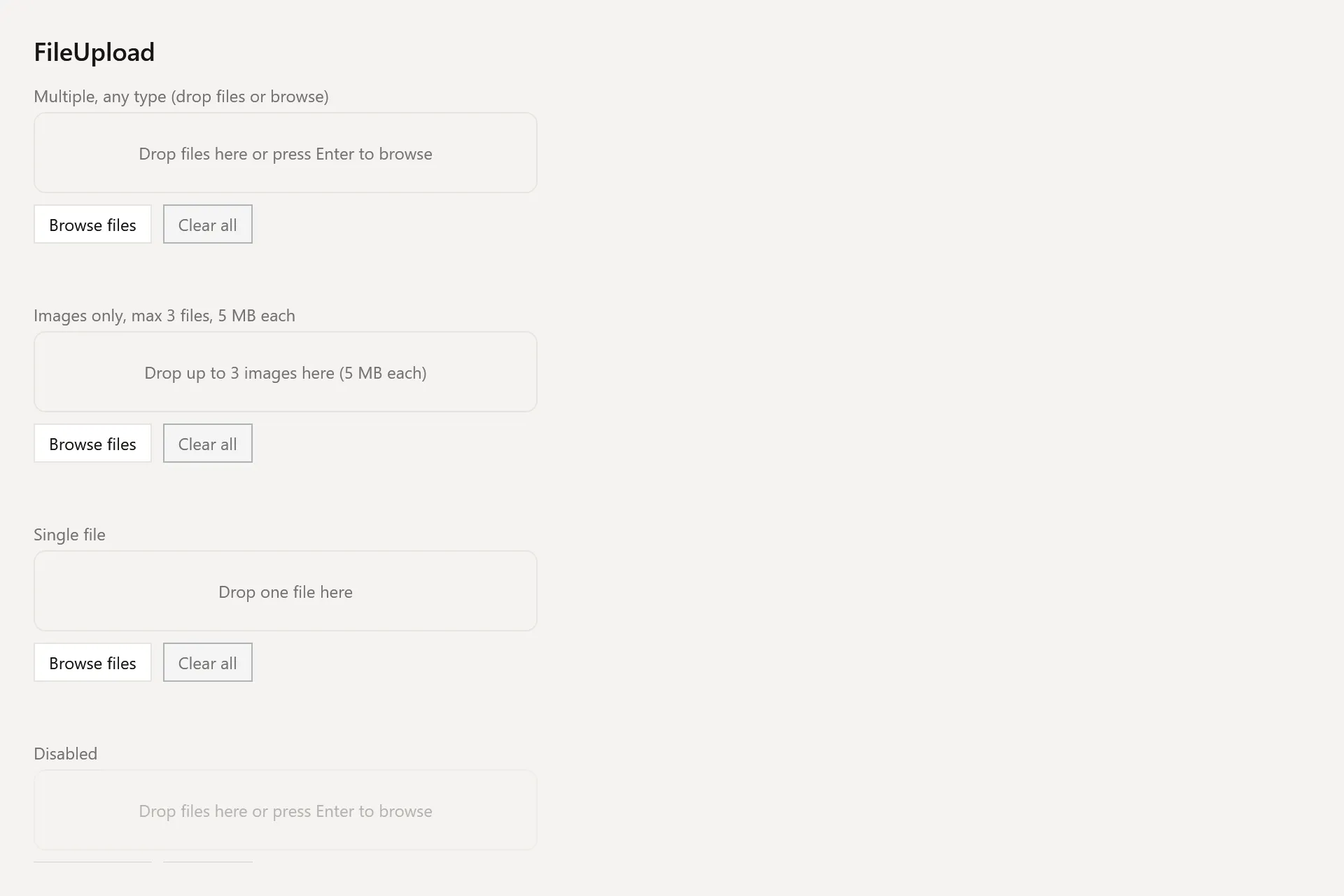
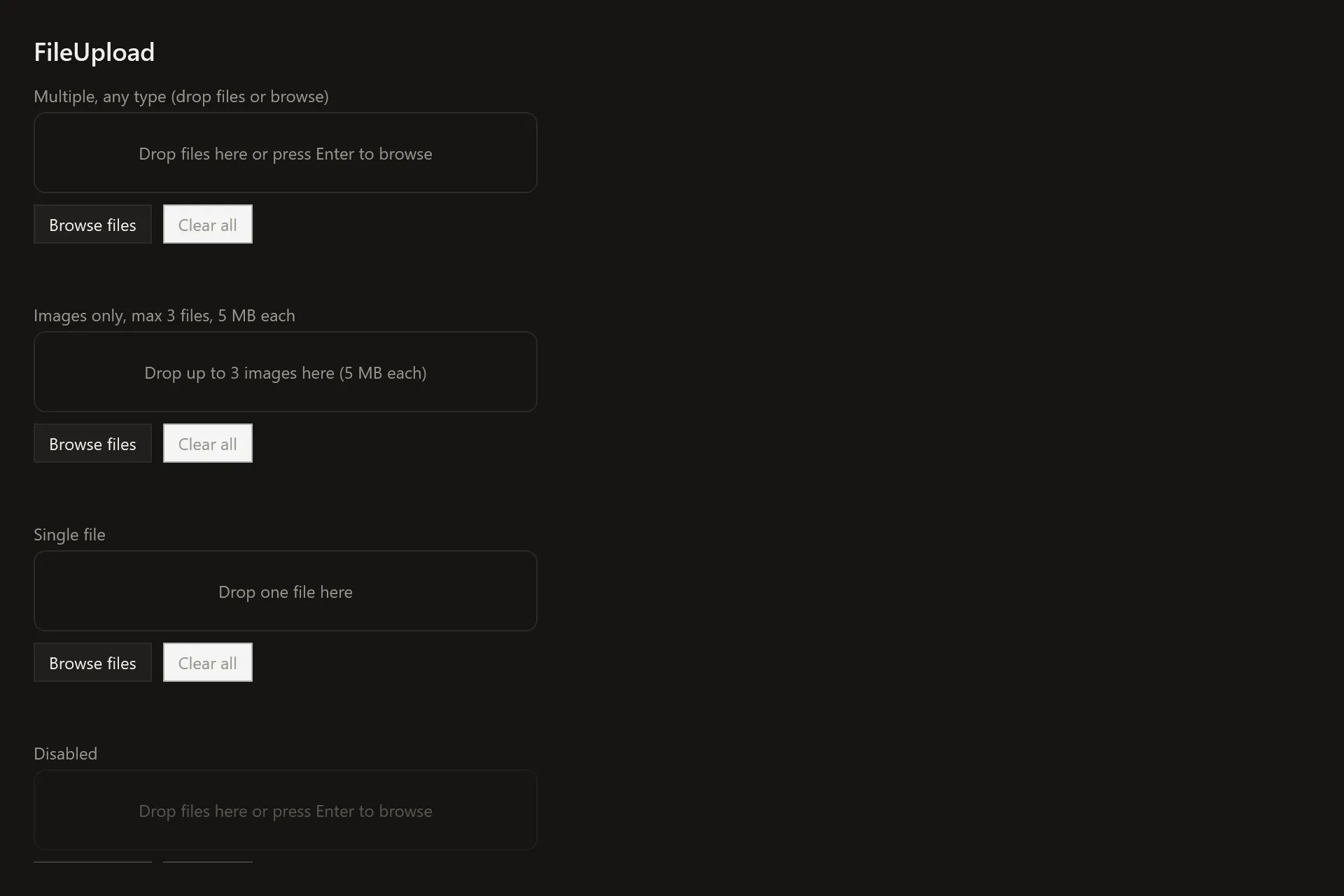
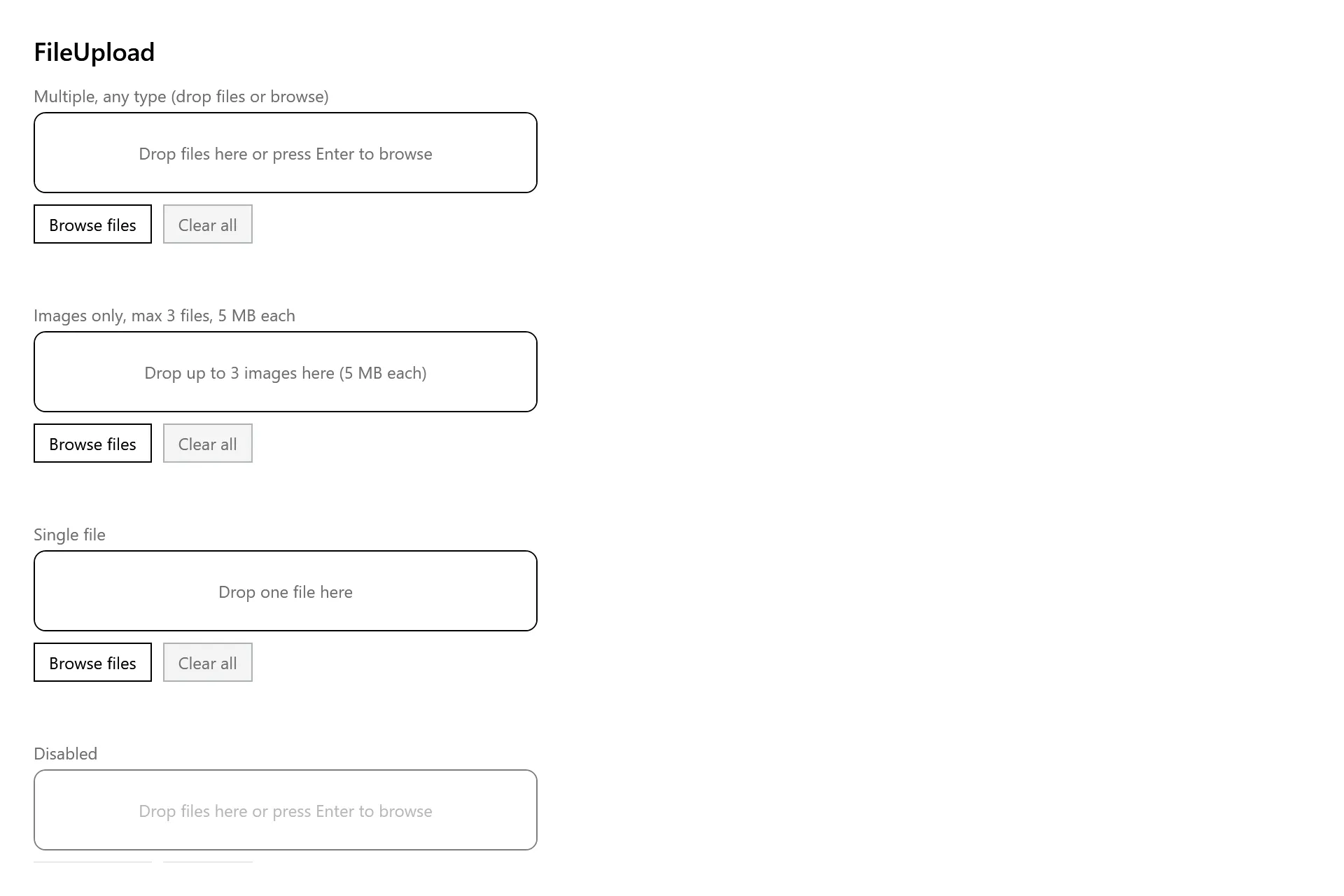
Section titled “Captures”The FileUpload Gallery page rendered at the pinned commit, in each theme.