Context Menu
Overview
Section titled “Overview”ContextMenu is a small family (two new classes) that opens a native ContextMenu anchored at the
pointer through WPF’s own ContextMenuService, reusing the Menu family’s NaviusMenuItem/
NaviusMenuCheckboxItem/NaviusMenuRadioItem/NaviusMenuGroupLabel and the general-purpose
NaviusSeparator verbatim rather than duplicating near-identical item classes. Right-click,
Shift+F10, and the keyboard Apps/Menu key all open the popup for free through
ContextMenuService.
xmlns:contextmenu="clr-namespace:Navius.Wpf.Primitives.Controls.ContextMenu;assembly=Navius.Wpf.Primitives"xmlns:menu="clr-namespace:Navius.Wpf.Primitives.Controls.Menus;assembly=Navius.Wpf.Primitives"
<Window.Resources>    <contextmenu:NaviusContextMenuPopup x:Key="RowMenu">        <menu:NaviusMenuItem Header="Rename" />        <menu:NaviusMenuItem Header="Delete" />    </contextmenu:NaviusContextMenuPopup></Window.Resources>
<contextmenu:NaviusContextMenuTrigger Menu="{StaticResource RowMenu}">    <TextBlock Text="Right-click this row" /></contextmenu:NaviusContextMenuTrigger>
Properties
Section titled “Properties”| Property | Type | Default | From | Description |
|---|---|---|---|---|
Menu |
NaviusContextMenuPopup? |
null |
NaviusContextMenuTrigger |
Assigns straight onto FrameworkElement.ContextMenu. |
Disabled |
bool |
false |
NaviusContextMenuTrigger |
Maps onto ContextMenuService.SetIsEnabled(this, !value), not IsEnabled, so the element stays interactive while the menu is suppressed. |
Side |
PlacementSide |
Right |
NaviusContextMenuPopup |
Only used by RequestOpenAt; right-click/keyboard opens use ContextMenuService’s own PlacementMode.MousePoint for free. |
Align |
PlacementAlign |
Start |
NaviusContextMenuPopup |
Only used by RequestOpenAt. |
Methods
Section titled “Methods”| Method | Description |
|---|---|
RequestOpenAt(UIElement target, Point pointRelativeToTarget) |
Opens the popup anchored at an explicit point (switches to PlacementMode.Custom for that one open, reusing the same PlacementMath-based offset math as NaviusMenuPopup). The direct mapping of the contract’s Open(point) API, for a custom gesture or non-cursor anchor; right-click/Shift+F10/menu-key opens do not call this. |
Keyboard interactions
Section titled “Keyboard interactions”The shared item stack behaves exactly as in Menu (roving Arrow keys, Home, typeahead via
TextSearch.Text, submenu via native nesting, Escape); see menu.md. Opening itself is native
ContextMenuService behavior:
| Key | Behavior |
|---|---|
Shift + F10 / the keyboard Apps/Menu key |
Opens the menu anchored at the trigger element’s own rect (native ContextMenuService). |
| Right-click | Opens the menu anchored at the pointer (native PlacementMode.MousePoint). |
UIA mechanism
Section titled “UIA mechanism”NaviusContextMenuPopup ships no custom automation peer, inheriting the native ContextMenu
automation peer. Items inherit MenuItemAutomationPeer exactly as in the Menu family, since this
family reuses those classes verbatim. The unit suite (ContextMenuTests.cs, 6 facts) covers
template application for the two new classes, Menu assignment reflecting onto
FrameworkElement.ContextMenu, Disabled toggling ContextMenuService.IsEnabled, and the
Side/Align defaults. RequestOpenAt’s actual popup-opening behavior is exercised
interactively via the gallery rather than a headless test, since it requires a live
PresentationSource on the placement target.
Web deltas
Section titled “Web deltas”- The web contract’s 23 parts (Root/Trigger/Portal/Positioner/Popup/Arrow/Group/Label/Item/
CheckboxItem/RadioGroup/RadioItem/ItemIndicator/Separator/Sub/SubTrigger/SubContent) collapse
onto exactly two new classes (Trigger, Popup) plus the Menu family’s reused item stack; no
separate Portal/Positioner/Arrow types exist (Portal is a no-op, Positioner folds onto
Side/Alignon the Popup, Arrow is not implemented). NaviusContextMenuPortal’sContainer(a CSS mount-point selector) has no WPF equivalent and is dropped; WPF popups already float in their own window layer.- Long-press-to-open on touch is not implemented:
ContextMenuServicehas no built-in long-press gesture, and a customTouchDown/Stylustimer was out of scope. Modalis not implemented: nativePopup’s default outside-click dismissal and Escape-to-close already cover the practical behavior; no scroll-lock equivalent was added.RequestOpenAtis a synchronous method, not async, since opening at an explicit point needs no interop round-trip in WPF (unlike the web contract’s JS-interop-backedOpen(point)).
Captures
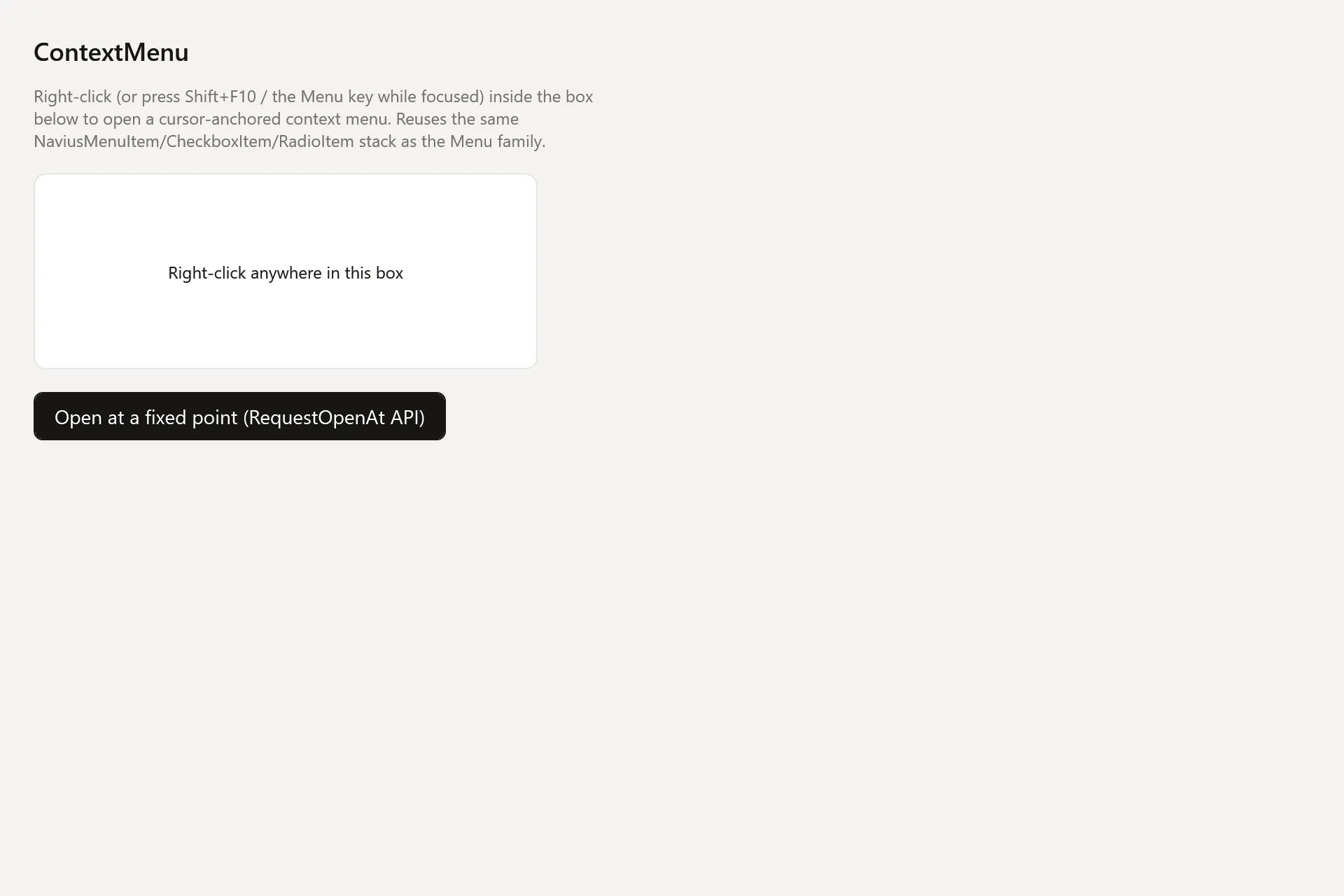
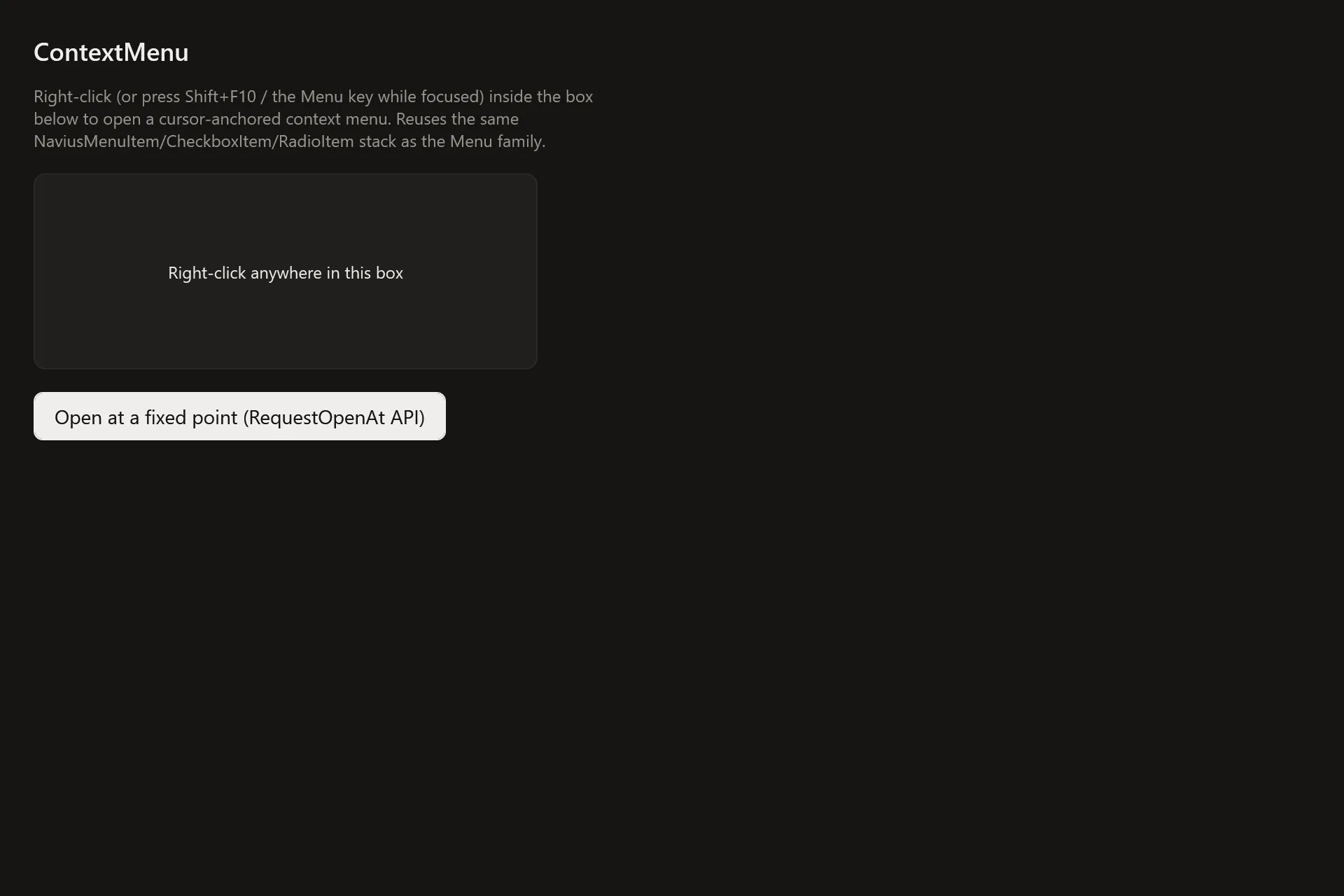
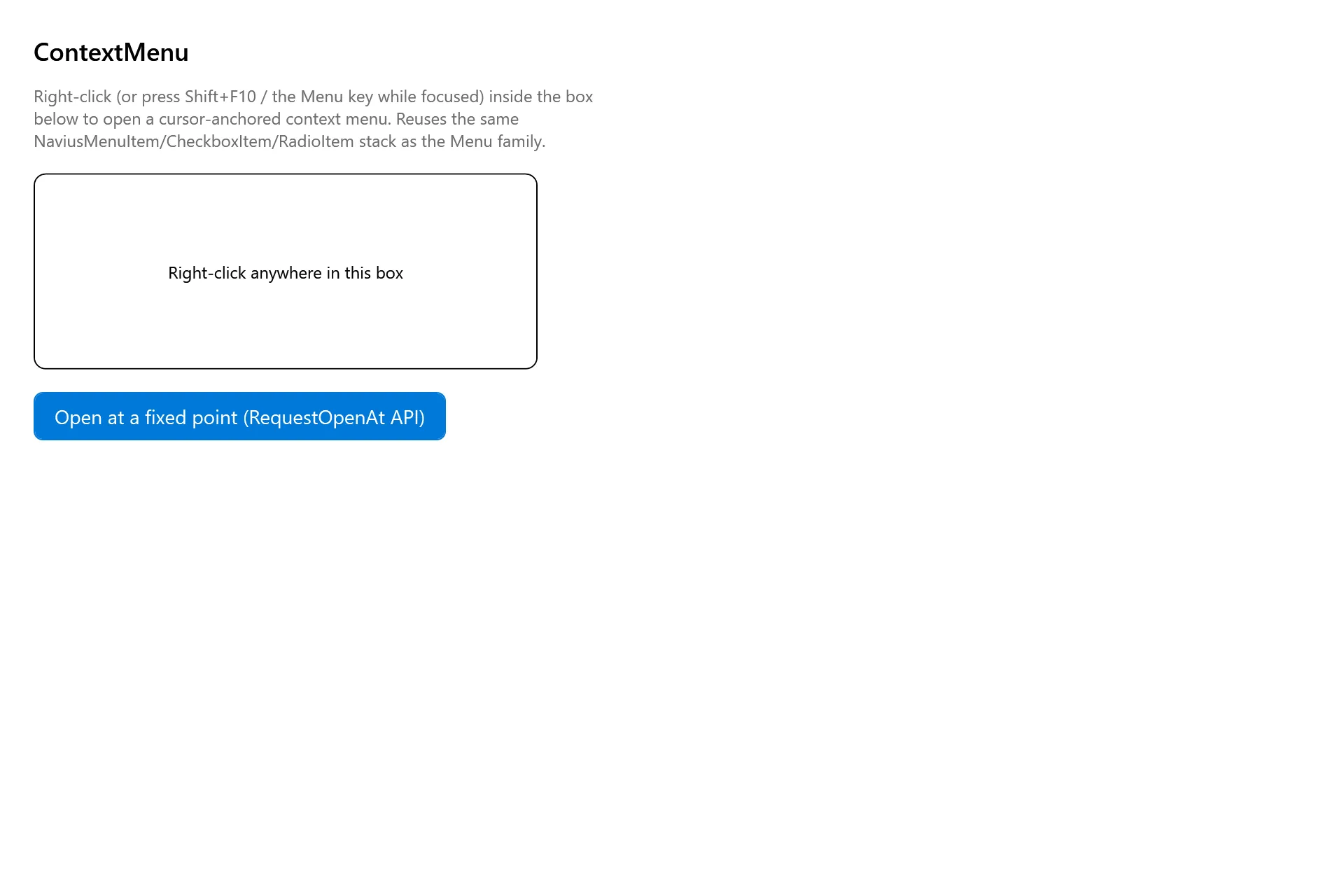
Section titled “Captures”The Context Menu Gallery page rendered at the pinned commit, in each theme.